How to Make an AI Rap Video
Updated November 25, 2026
The short version
- Pick one clear, front-facing photo of the person who will rap.
- Write five short rhyming lines, or type a topic and let the AI write them.
- Choose a stage: orange backdrop, hotel lobby, studio booth or street cypher.
- Make the video, watch it once with the sound on, and download the MP4.
The finished clip is short, vertical and about one person rapping to the camera. That format is a trend of its own on TikTok; hover over a clip to play it, or tap it on a phone:
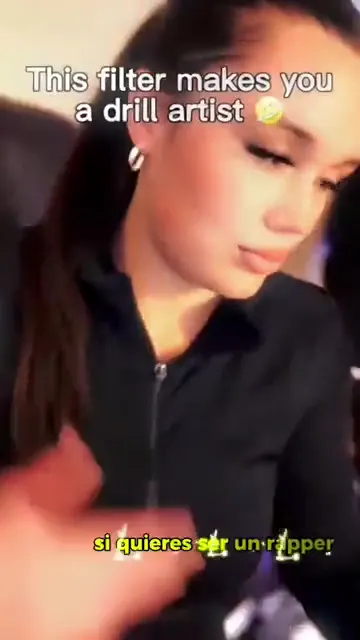
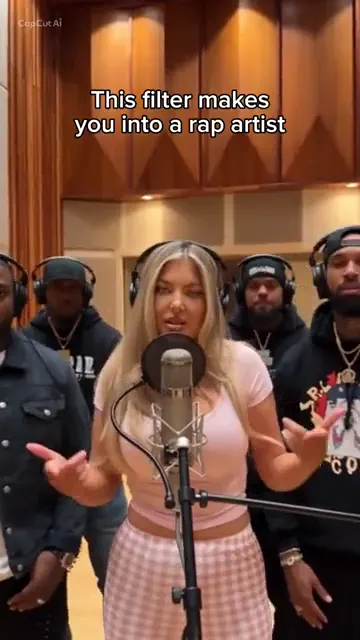
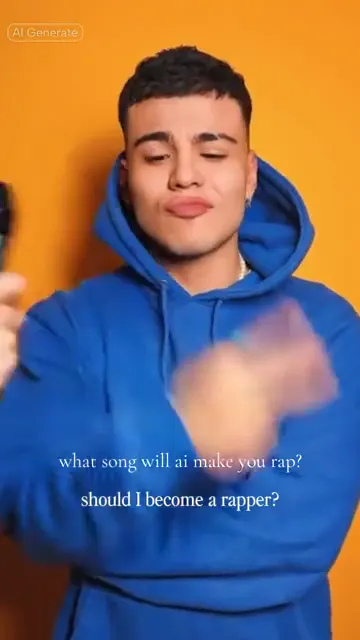
Clips from TikTok, credited to their creators and linked to the original posts. They show the photo-to-rap trend; they were not made with MakeRapVideo.
To make an AI rap video, you need three things: one clear photo of the person who will rap, five short lines of lyrics (or a topic the AI can turn into lyrics), and a tool that animates the photo and performs the words. On the AI rap video maker all three happen on one page, and the finished clip is a vertical MP4 of about ten seconds. This guide walks through each step and the choices that make the biggest difference to the final rap video.
What you need before you start
- One photo of one person, saved as JPG, PNG or WebP.
- A topic: who the rap is for, and the one detail that makes it about them.
- A few minutes and a browser on your phone or computer. There is nothing to install.
You do not need a beat, a microphone or your own recording. The beat is built in, and the AI supplies the rap voice. If you already have a recorded rap or a full song, a lip-sync or music video tool fits better; our comparison of AI rap video generators sorts them by what you start with.
Step 1: Choose a photo the AI can animate
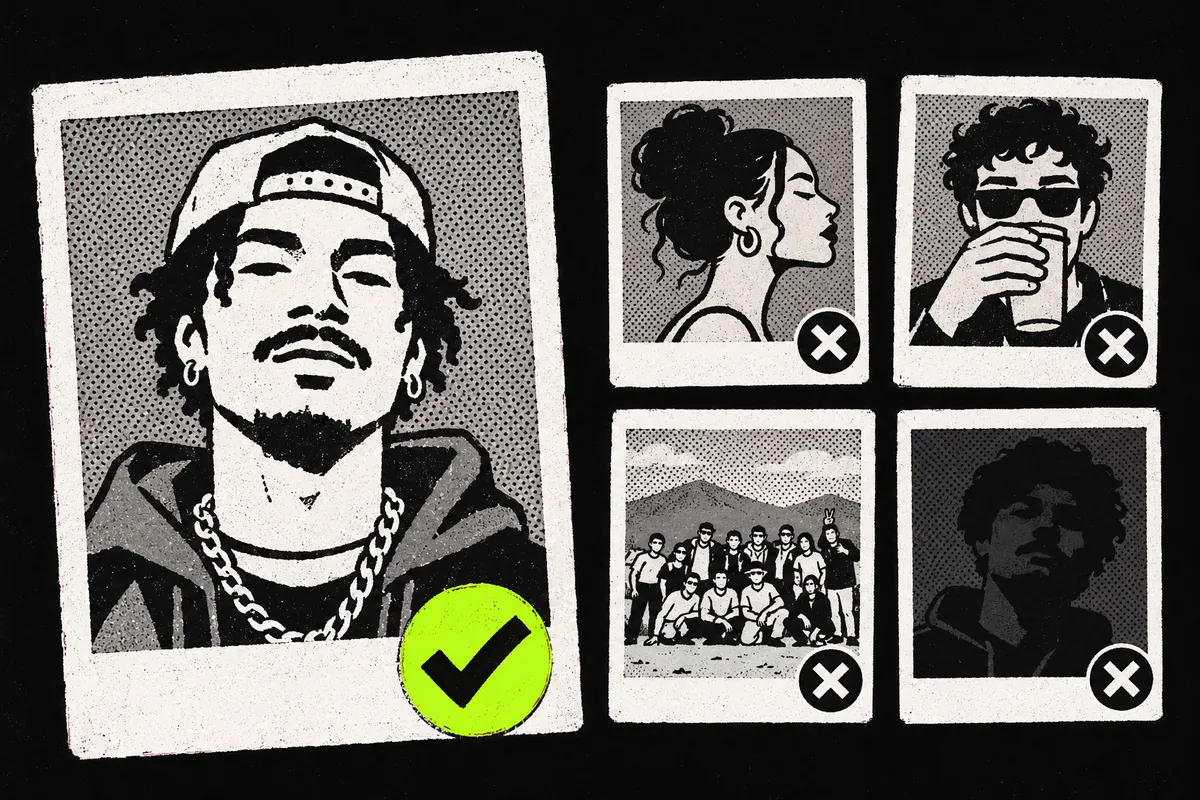
The photo decides who raps, so it matters more than any other setting. Look for:
- One face, turned toward the camera. A profile shot shows the AI only half of the mouth it has to animate.
- Good, even light. Daylight from a window beats a dark photo under colored party lights.
- Nothing over the mouth. Hands, microphones, masks and drinks get in the way.
- A face that fills part of the frame. Crop a wide group shot down to one person before you upload it.
Before the video is made, the AI redraws your photo as a clean studio portrait of the same person, so the face stays steady from the first frame to the last. Only use a photo you have the right to use, of someone who agrees to be in the video. Photos of children, celebrities and other public figures are not allowed. Uploaded photos are deleted automatically after 24 hours.
Step 2: Write bars that fit ten seconds
Ten seconds goes fast. The beat gives you five bars, so the rap is five lines of about nine to twelve syllables each, one line per bar, back to back. A few habits make short raps land:
- Put the name early. If the rap is for Maya, "Maya" belongs in the first line.
- Rhyme the last word of each line. Rhyming pairs are enough: lines one and two, lines three and four, and the fifth line rhymes with the fourth. In the maker, the last word of every line is highlighted, so you can check your rhymes at a glance.
- Use one specific detail. "Still can't parallel park" hits harder than "you're the best."
- Use everyday words. Rare names and tongue twisters are hard to fit into ten seconds.
Here is a sample written for this guide, for a 30th birthday:
Maya hit thirty and she's still on fire,
can't parallel park but the whole block's inspired,
cake on the counter and the candles stacked tall,
one more year of Maya, she's the boss of it all,
so raise up a slice for the queen of the hall.
Don't want to write? Type the topic, pick a vibe and press Write my bars with AI. The AI writes five lines; read them out loud once and change anything that doesn't sound like you. If the box holds five lines when you press the button, they are rapped exactly as written. Any other number goes to the AI first: rhyming lines of yours keep their words and order, with the first five used or new lines added after yours, while text that does not rhyme yet is turned into new bars on the same topic. Want to try a few versions before you add a photo? Use the AI rap generator, then send the bars you like to the video maker in one click.
Which vibe to pick
The vibe tells the AI what kind of rap to write. It changes the words, not the stage:
- Hype: big energy for wins, launches and game days. The rap brags on someone else's behalf.
- Sweet: warm and personal, for birthdays, anniversaries and thank-yous. Fewer boasts, more real details.
- Playful roast: teasing about an inside joke. Pick something the person would laugh at too, because a roast rap that stings is not funny once it is a video their friends can replay.
- Flex: confident and boastful, the classic rap pose. It suits a personal hype clip or a rap about your own product.
Step 3: Pick a stage that matches the vibe
The stage sets the scene behind the performer. A quick guide:
| Stage | Works well for |
|---|---|
| Orange backdrop | Clean, bold clips where the face and the words do all the work |
| Hotel lobby | Flex verses, wins and anything that should feel a little luxurious |
| Studio booth | Birthday raps, shout-outs, anything that should look like a real recording session |
| Street cypher | Playful roasts, team hype and group-chat jokes |
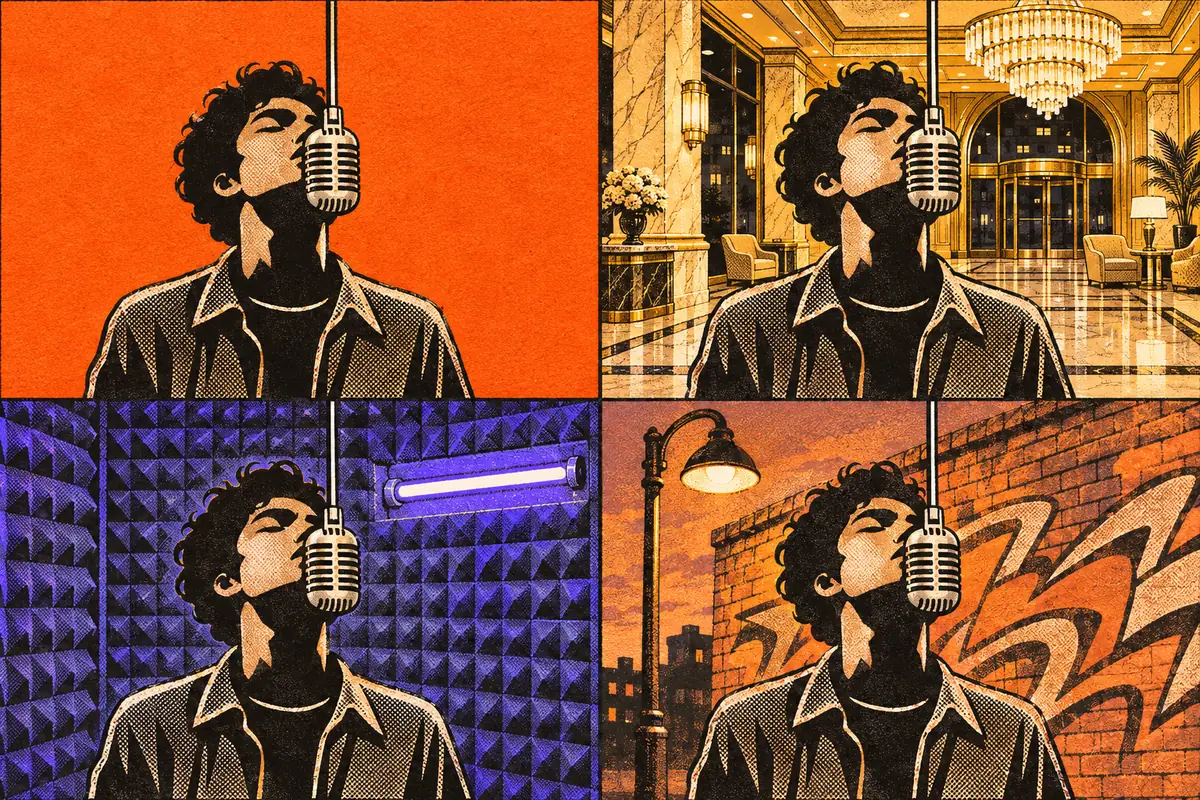
These are suggestions, not rules: any vibe works on any stage.
Step 4: Make it, check it, post it
Press Make my rap video and keep the tab open while it renders. When the clip appears, watch it once with the sound on and check three things:
- Is it the right person, and does the face still look like them?
- Can you follow the words of the rap?
- Does the last line land where you want it to?
Download the MP4 and post it as it is: the 9:16 format fits TikTok, Instagram Reels and YouTube Shorts without cropping. Add your bars as on-screen captions too, because plenty of people scroll with the sound off. If the video shows someone else's face, ask them before you post it.
Common problems and quick fixes
- The face doesn't look right. Try a sharper, front-facing photo with the face larger in the frame.
- The words are hard to follow. Cut a few syllables from each line, or swap unusual words for everyday ones.
- The lines feel generic. Add one real detail to the topic, like a place, a habit or a nickname, and write the bars again.
- The video didn't finish. If a render fails, any credits used for it are returned automatically. Wait a minute and try again.
When your five lines are ready, head back to the AI rap video generator and make your first rap video. Want a group clip instead? The Tiny Desk AI generator puts 1 to 5 friends into the Outstanding Tiny Desk video.
Questions about making an AI rap video
Can I make an AI rap video of myself?
Yes. Upload a clear, front-facing selfie, write or generate five bars, and pick a stage. The person in the photo is the one who raps, so a selfie makes you the performer.
Do I need my own beat or recording?
No. The beat is built in and the AI generates the rap voice. The AI rap video maker does not take MP3 uploads, and the voice is AI-generated rather than a copy of yours.
How many lines should an AI rap video have?
Five short lines, one for each bar of the beat in a clip of about ten seconds. Five lines in the box are rapped exactly as written. With another number of rhyming lines, the first five are used or the AI adds lines after yours; text that is not rap yet, like a card message, is turned into new bars.
Can two people rap in one video?
No. Each video has one performer: the person in your photo. The bars, the voice and the portrait are all made for a single rapper, so crop a group photo down to the one person who should rap before you upload it.
Can I use a photo of a celebrity or a child?
No. Photos of anyone under 18, and of celebrities, politicians or other public figures, are not allowed. Only upload a photo you have the right to use, of a person who has agreed to appear in an AI-generated rap video. The full list of what is not allowed is in our Terms of Service.
What resolution and format is the rap video?
A 720p MP4 in vertical 9:16, about ten seconds long, with the rap voice and the beat already mixed in. That format fits TikTok, Instagram Reels and YouTube Shorts without cropping, so you can post the file as it is.
Can I use my AI rap video commercially?
Yes. We do not claim ownership of the videos you make, and our Terms of Service allow both personal and commercial use, as long as you had the right to use the photo and the person in it agreed. Some platforms ask you to label AI-generated content, so check their rules before you post a promo.
What happens if my rap video fails to render?
The credits come back automatically. If a render fails, the credits used for it are returned to your account without you having to ask, so you can wait a minute and try again.
Can I change the lyrics and make the video again?
Yes. Edit any line in the bars box, or press Write my bars with AI for a fresh set, then press Make my rap video again. Writing bars is free up to 50 times a day, but each new video uses another 8 credits, so read the lines out loud before you make it.